Crew
A small team getting started
Guided diagnoses, Clarence, drawings, fix reports, and CMMS work orders.
The Faultline device
Faultline is the troubleshooting assistant for maintenance teams in distribution, warehouse, and light industrial facilities. Your crew carries the Faultline device to the machine and walks from the symptom to the diagnosis, the right drawing, the part, and a work order the next shift can pick up.
01
Type it, say it, or send a photo. Clarence starts from the symptom, then checks fixes already saved at your facility.
02
The drawing that matches that machine and that fault, shown before a manual search.
03
Part number, stockroom, bin, and quantity on hand, before anyone walks to the crib.
04
A structured fix report, and a work order ready to paste into the CMMS you already use.
25–35%
of a typical shift is hands-on wrench time.
23%
goes to getting parts and materials.
7%
goes to searching for the drawing or the procedure.
Faultline is aimed at the walk to the crib and the search for the document, so more of the shift stays on the repair. See what the crew gets back.
Packages
A small team getting started
Guided diagnoses, Clarence, drawings, fix reports, and CMMS work orders.
Most requested
The package most teams choose
Everything in Crew, plus photo help, parts with bin and quantity, and markup tools.
A whole facility
Everything in Shift, plus on-site installation, pooled seats, and a before-and-after report.
Equipment
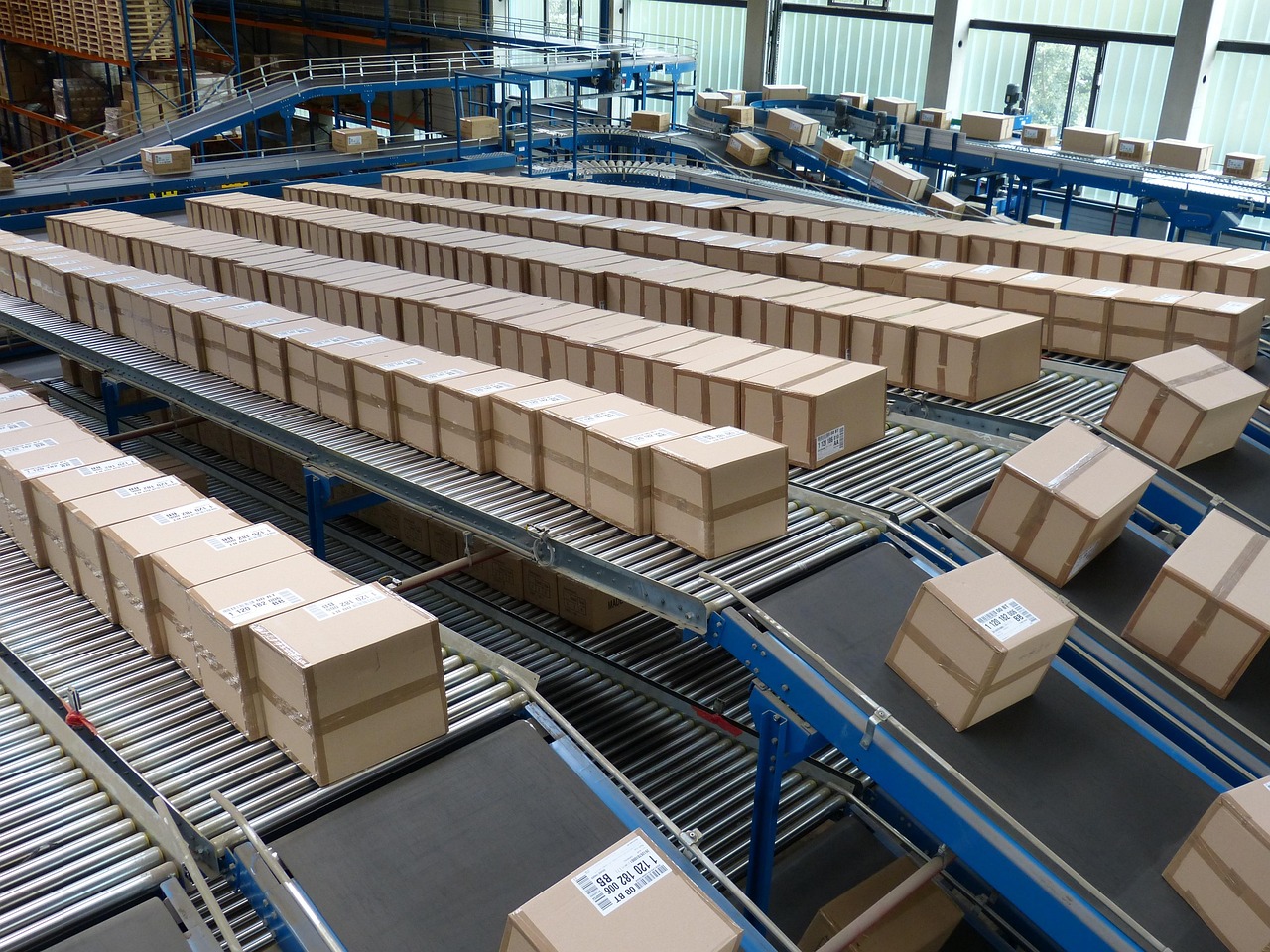
Belt, roller, and merge equipment. The fault is named, the drawing is the right one, and the next shift does not start over.
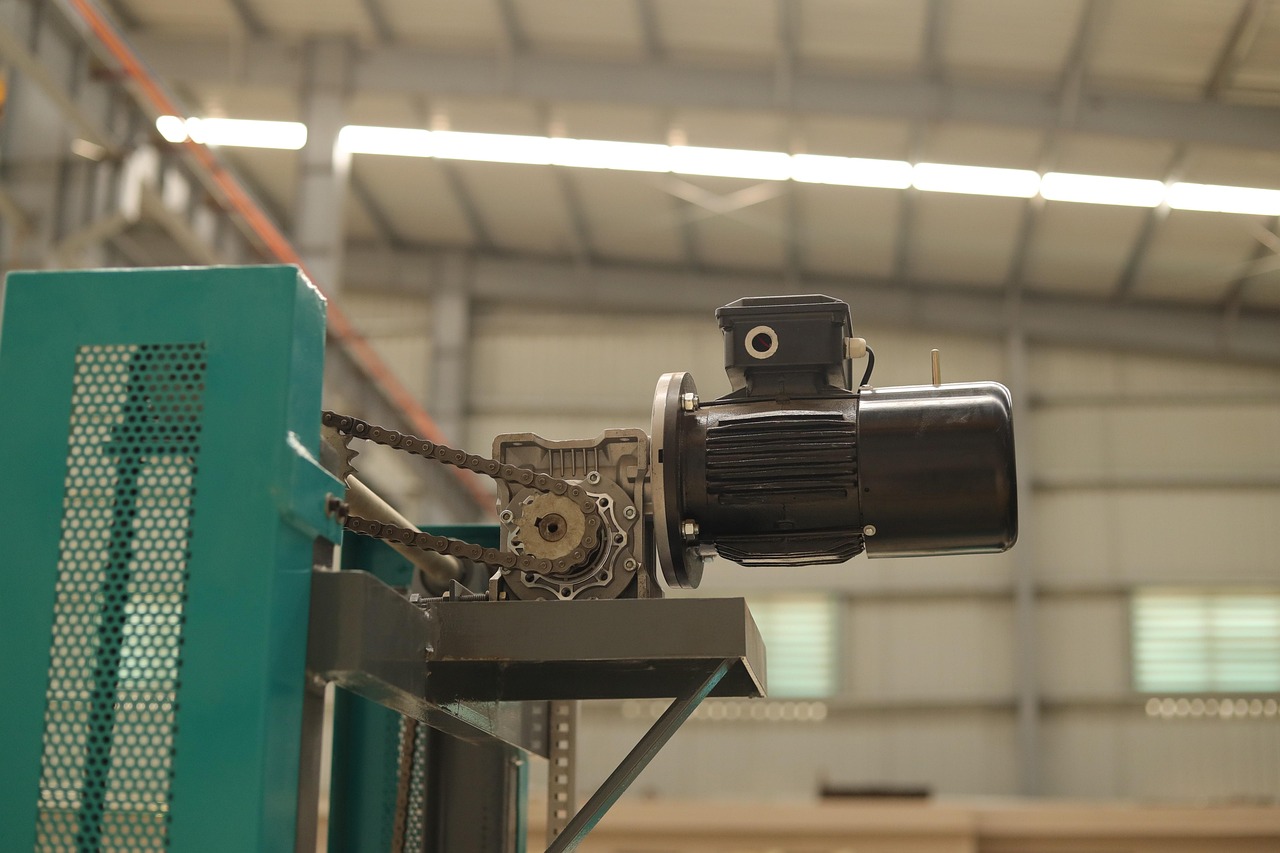
Gearmotors and reducers. A trip on start or on the way down, with the checks and the part in one place.
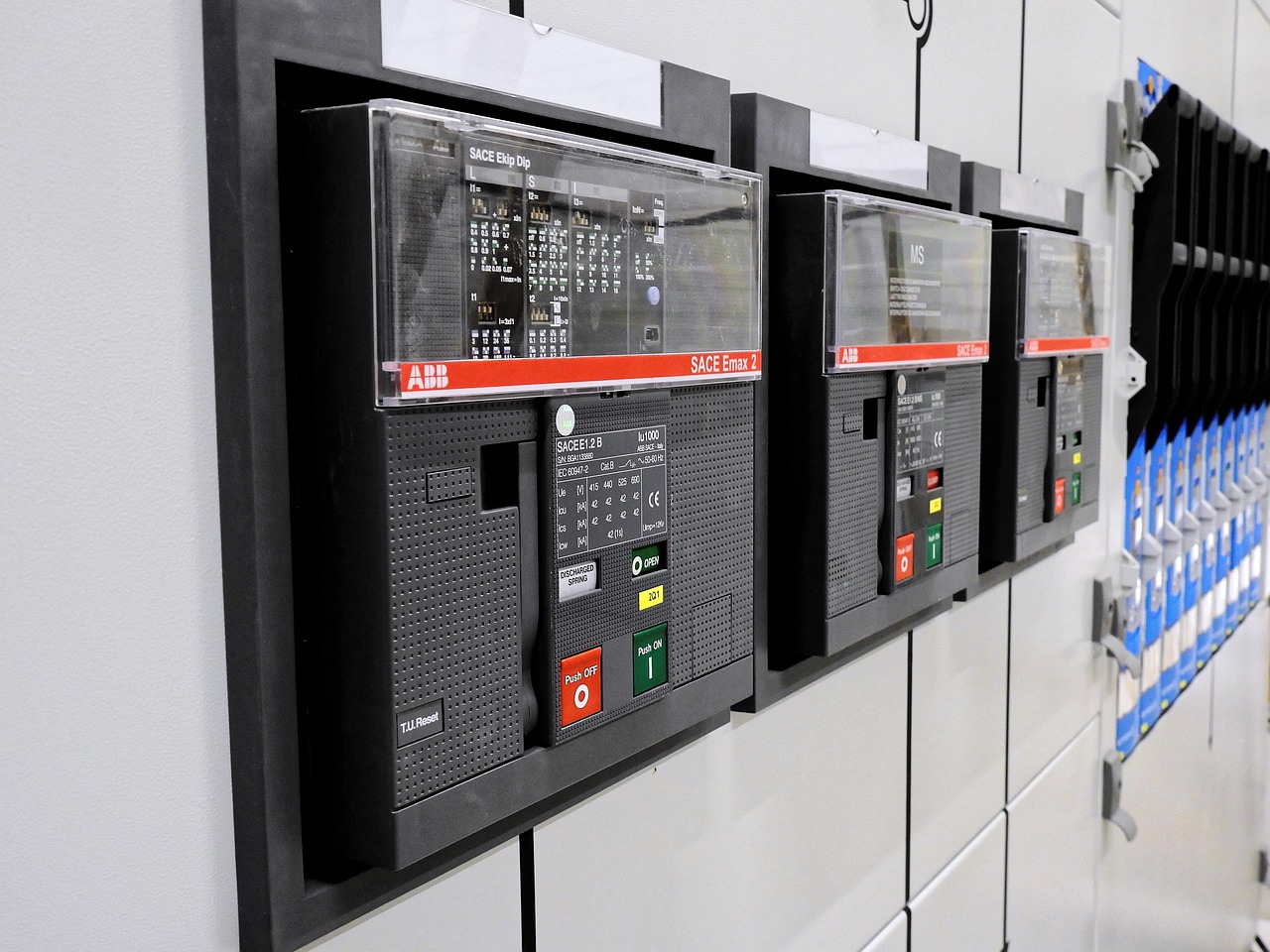
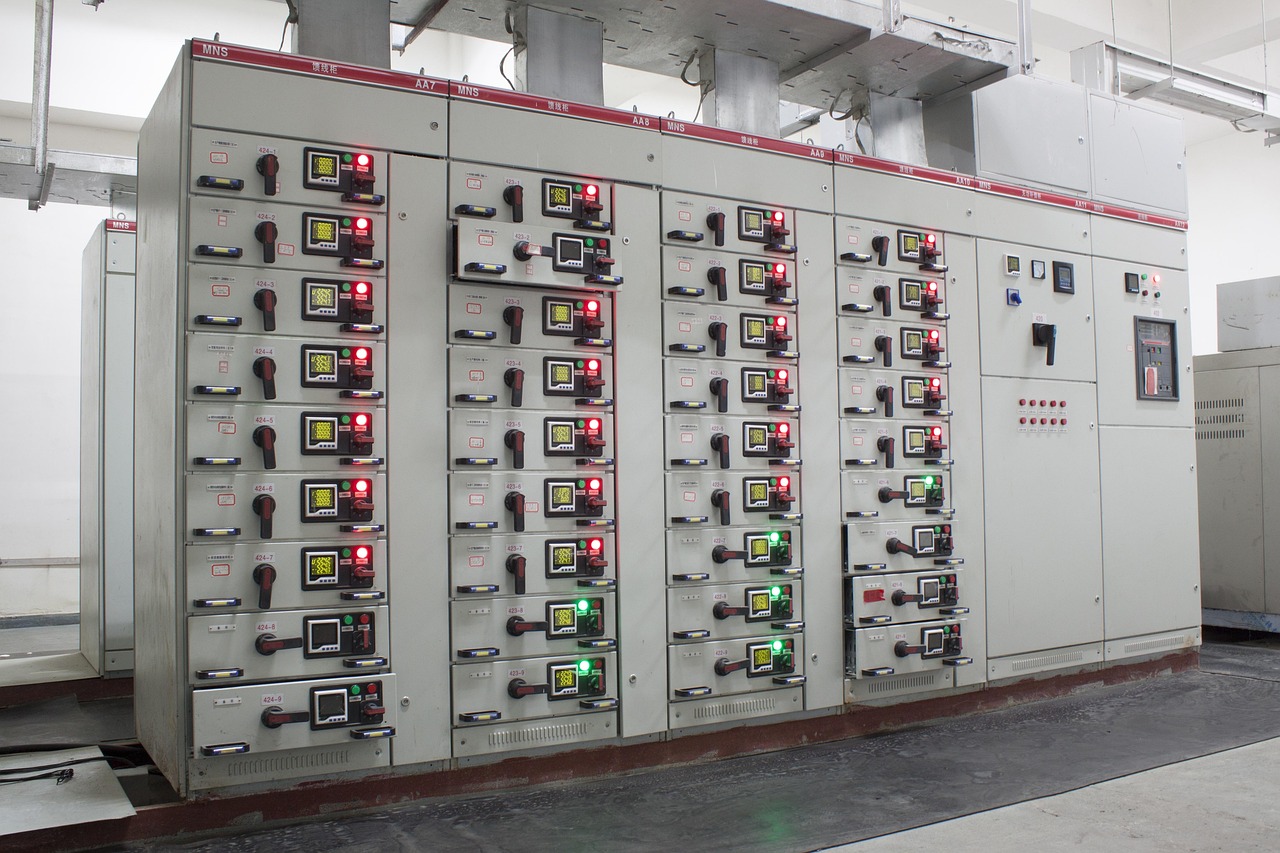
The cabinet beside the conveyor. Fault codes, wiring, and the difference between a device fault and a mechanical one.
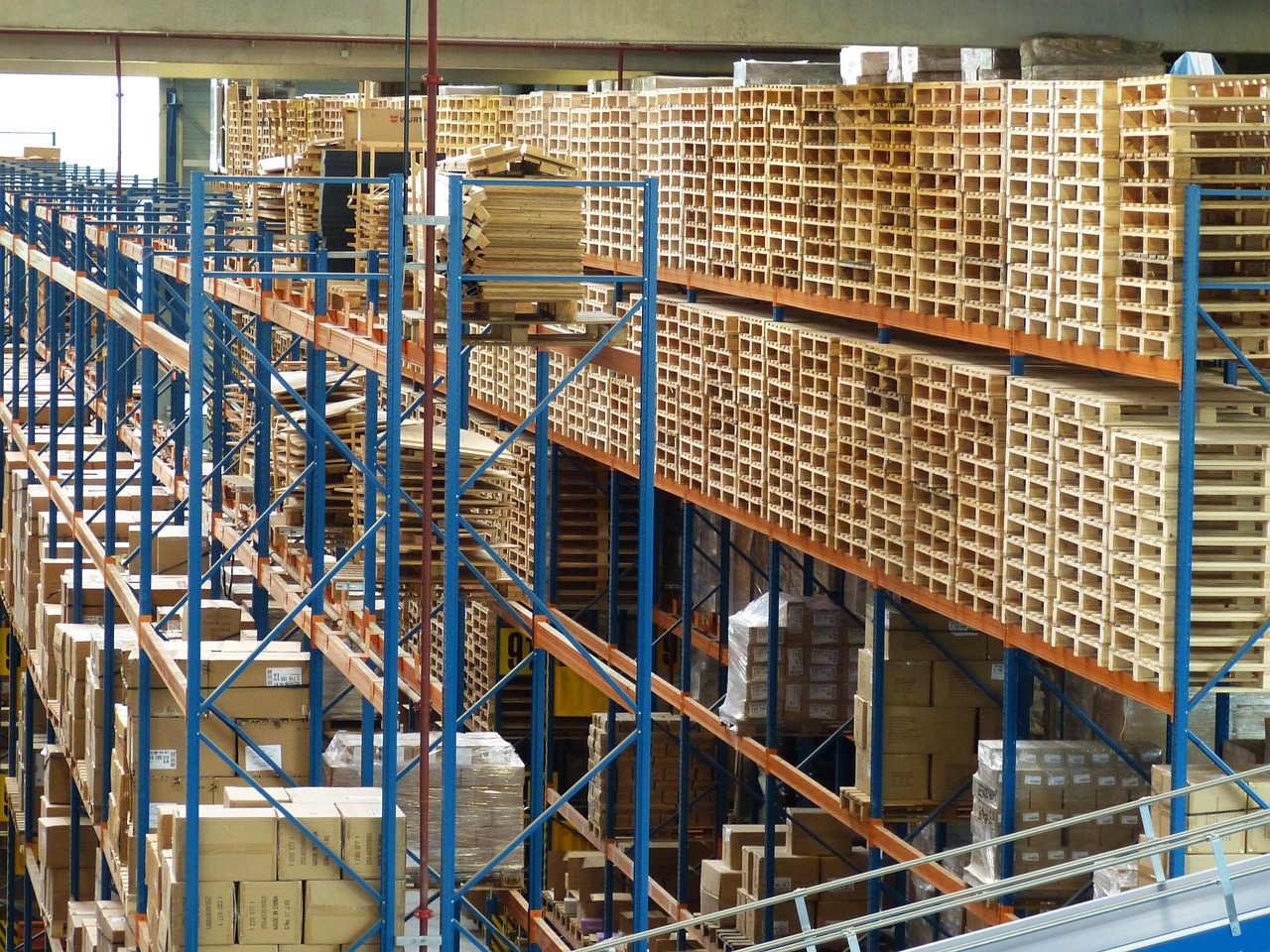
Diverts, shoes, and merges. The same miss should not cost a second shift the same hour.
Warehouse automation
Industry news