The night shift is not on its own
When the person who knows the line is off, the device still has the last fix, the safety note, and the next check. The crew keeps moving without waiting for a callback.
Product
A technician describes what the equipment is doing. The Faultline device, issued for the job and carried to the machine, returns the diagnosis, the drawing, the part’s bin, and a work order the next shift can trust. Every fix is saved, so the same fault does not start from zero.
How a call proceeds
01
Type, speak, or send a photo of the fault screen, the nameplate, or the wiring. Clarence starts the diagnosis.
02
The drawing for that machine, matched to the fault, the revision, and the year, shown first.
03
The part number from the drawing, ranked by fixes already recorded on that machine, with stockroom, bin, and quantity.
04
A structured report of what was found and what fixed it, ready to paste into your CMMS.
25–35%
of a typical shift is hands-on wrench time.
23%
goes to getting parts and materials.
7%
goes to searching for the drawing or the procedure.
Those hours are the ones the crew feels. Faultline is aimed at the walk to the crib and the search for the document, so more of the shift stays with the machine.
For the crew
The technician who knows the line cannot be on every call. Faultline puts that know-how on the device the crew carries to the machine: the diagnosis, the drawing, the part, and a work order the next shift can trust.
When the person who knows the line is off, the device still has the last fix, the safety note, and the next check. The crew keeps moving without waiting for a callback.
They open the machine and see what held, and what did not. The first hour is spent on the fault, not rebuilding a history that already lives on the device.
Speak the symptom. Clarence answers out loud. The technician can stay at the cabinet instead of walking back to a desk to look it up.
The visual that matches the fault, the revision, and the year comes up first. The crew compares the equipment in front of them, not three files in a shared folder.
The next person is warned before they repeat it. The crew learns from the attempt, not only from the jobs that closed clean.
The work order is filled with your fields and your failure codes. Copy it once, or take the set as a CSV, and the next shift can read it.
A named next step, a safety note, and a quick test, in the language they work in. English and Spanish share the same note.
Repeat faults show up as saved fixes, not as another phone call. Diagnosis time and parts time can be measured across a 60–90 day demonstration.
They arrive without a decade on that line and still have the last good fix, the drawing, and the part number from it.
On the device
Eight equipment categories and 111 diagnoses. Severity, steps, a safety note, and a quick test. Voice in and voice out, so both hands can stay on the job.
See It opens the visual that matches the fault, the revision, the serial range, and the year. Photos and schematics can be marked up.
Part numbers taken from the drawing, ranked by past fixes on that machine, with stockroom, bin, and quantity on hand.
Every fix becomes a structured report. A result that did not hold is saved too, so the next technician is warned. Notes are available in English or Spanish.
The work order is filled with your fields and your failure codes. Copy it once, or export the set as CSV.
Add and remove technicians yourself. A seat is billed only for the days it is active. Data is kept separate, and a full export is available at any time.
Clarence
Speak or type the problem. Send up to three photos of a fault screen, a nameplate, or a wiring label. Clarence reads the code as it is printed, checks your facility’s own fixes first, and then the manufacturer’s documentation. The answer names the source.
Line 4 drive. The screen shows an overcurrent fault.
This drive has been fixed here twice. Lock out first, then check acceleration time and the motor leads.
Source: your fix log, and the drive manual, page 214.
The device
At the machine
The crew carries the Faultline device to the fault. The diagnosis, the drawing, and the part are there while the line is down.
Issued with the job
Your facility puts a Faultline device in each technician’s hand, so the whole crew works from the same guide.
Ready for the next shift
The fix is saved on the device. The next person opens the same machine and starts from what already worked.
Packages
Each package is billed by the day, so you pay only for days a seat is active. Pricing is quoted with the demonstration. Faultline works beside Maintenance Connection, UpKeep, MaintainX, or your own CMMS, by copy or by CSV.
For a small team getting started. Guided self-setup.
Most requested
Everything in Crew, plus remote setup.
Everything in Shift, with on-site installation by Sentrywell.
We measure diagnosis time, time spent finding parts, work-order entry, and downtime, before and after.
Coming soon
Tap the Faultline device to a tag on the machine and open that machine’s page.
Coming soon
Work orders in both directions, and stock levels as they stand.
Try the path
This walkthrough is the guided diagnosis. Drawings, bin locations, and the work-order handoff are part of the packages above. The browser demo on this site is the same style of question, on a general catalog.
Sample path
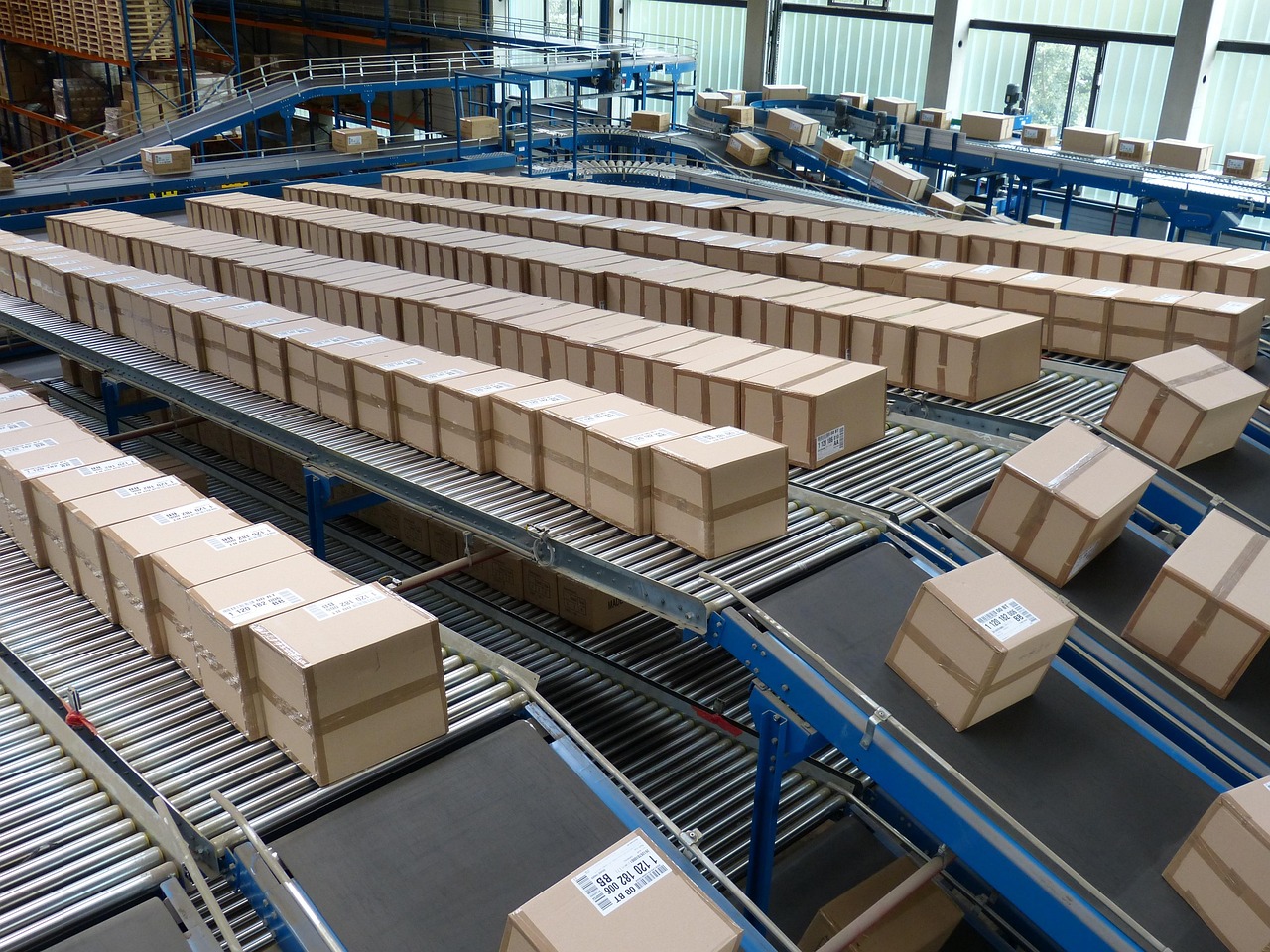
A carton stalls at a merge. The belt in that zone is the first thing you can see. Is it moving?
One generalized merge, so you can see how a session is shaped. On the Faultline device, the same kind of guide covers a broader set of problems on your equipment, including the drawing and the saved fix.
Distribution and light industrial crews who need the experienced answer on nights and weekends, not only when the senior technician is on site.
Technicians who arrive without a decade of that customer’s history, and should not have to rebuild it.
Managers who want diagnosis time, parts time, and repeat faults measured, not another login nobody opens.
Faultline writes the work order in the fields your CMMS already uses, so the close-out is done before the technician leaves the machine. A session starts from what they can see on the floor. For the sensor side of maintenance, see how those algorithms work.